Why Does My iPhone Say No SIM or Invalid SIM?
Why Does My iPhone Say No SIM or Invalid SIM?

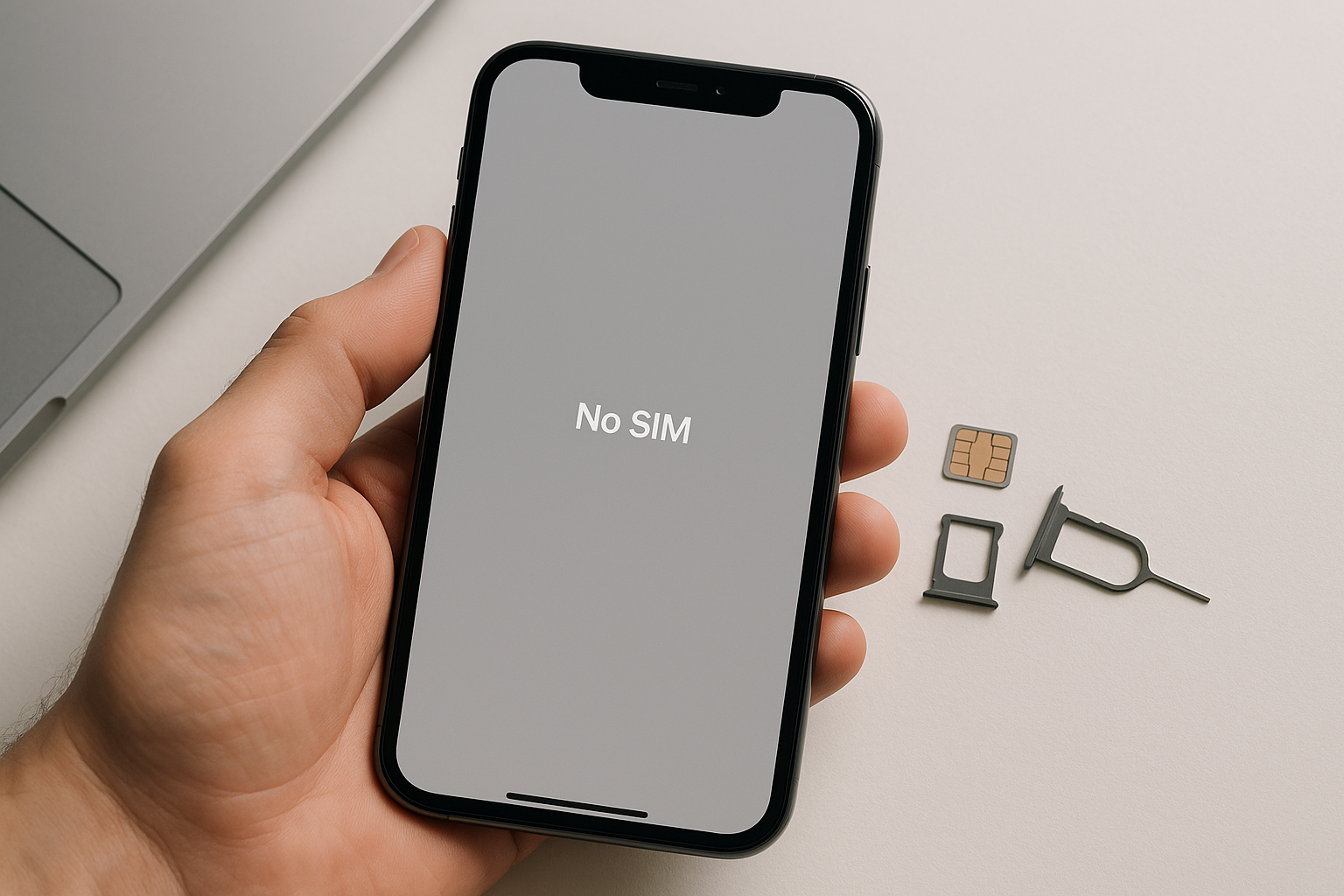
Quick Answer Your iPhone displays “No SIM” or “Invalid SIM” when it cannot detect or recognize the SIM card inserted in the device. This usually happens due to a loose SIM card, dirt or damage on the SIM card or tray, a carrier lock issue, software glitches, or hardware problems with the SIM reader. Most … Read more
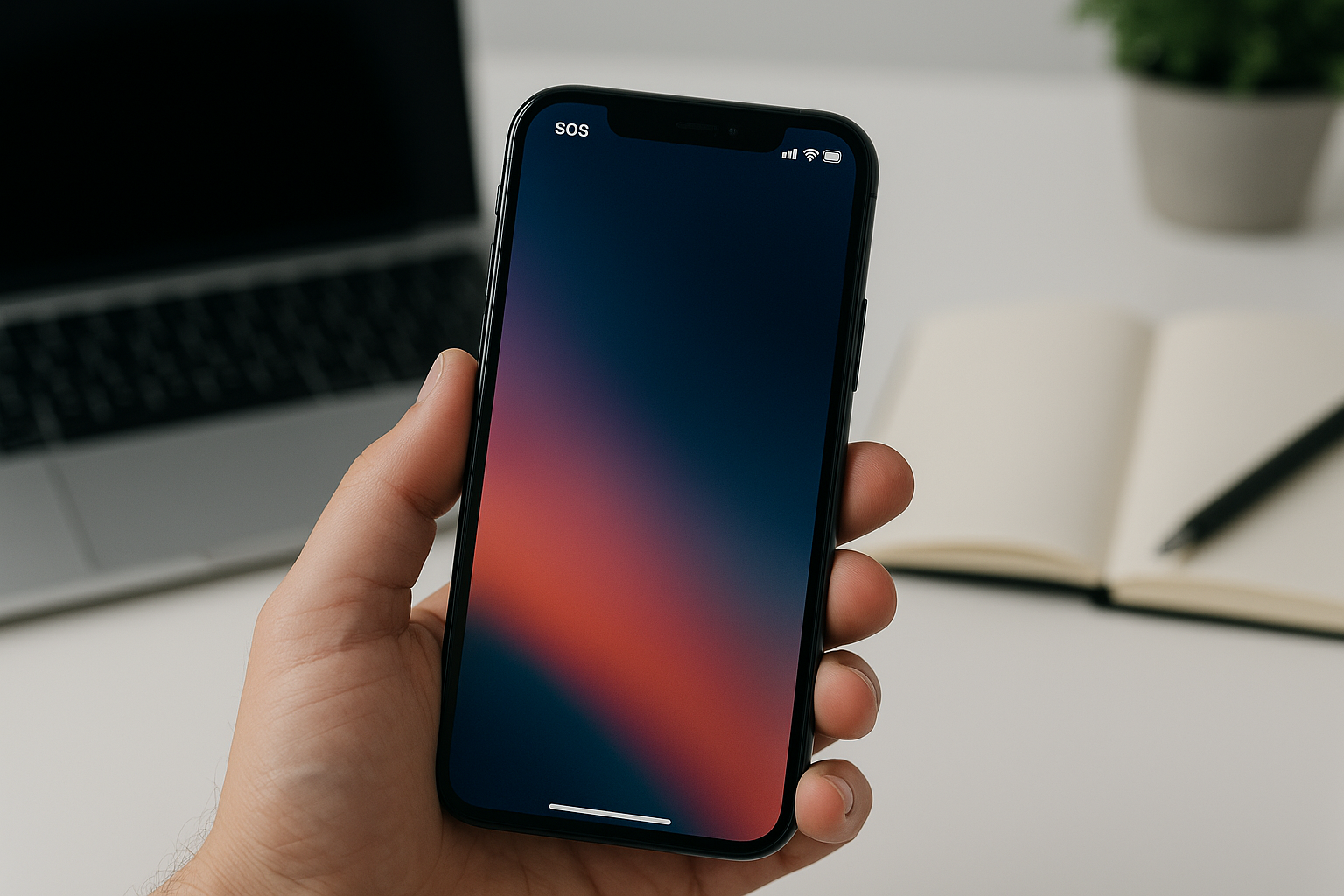
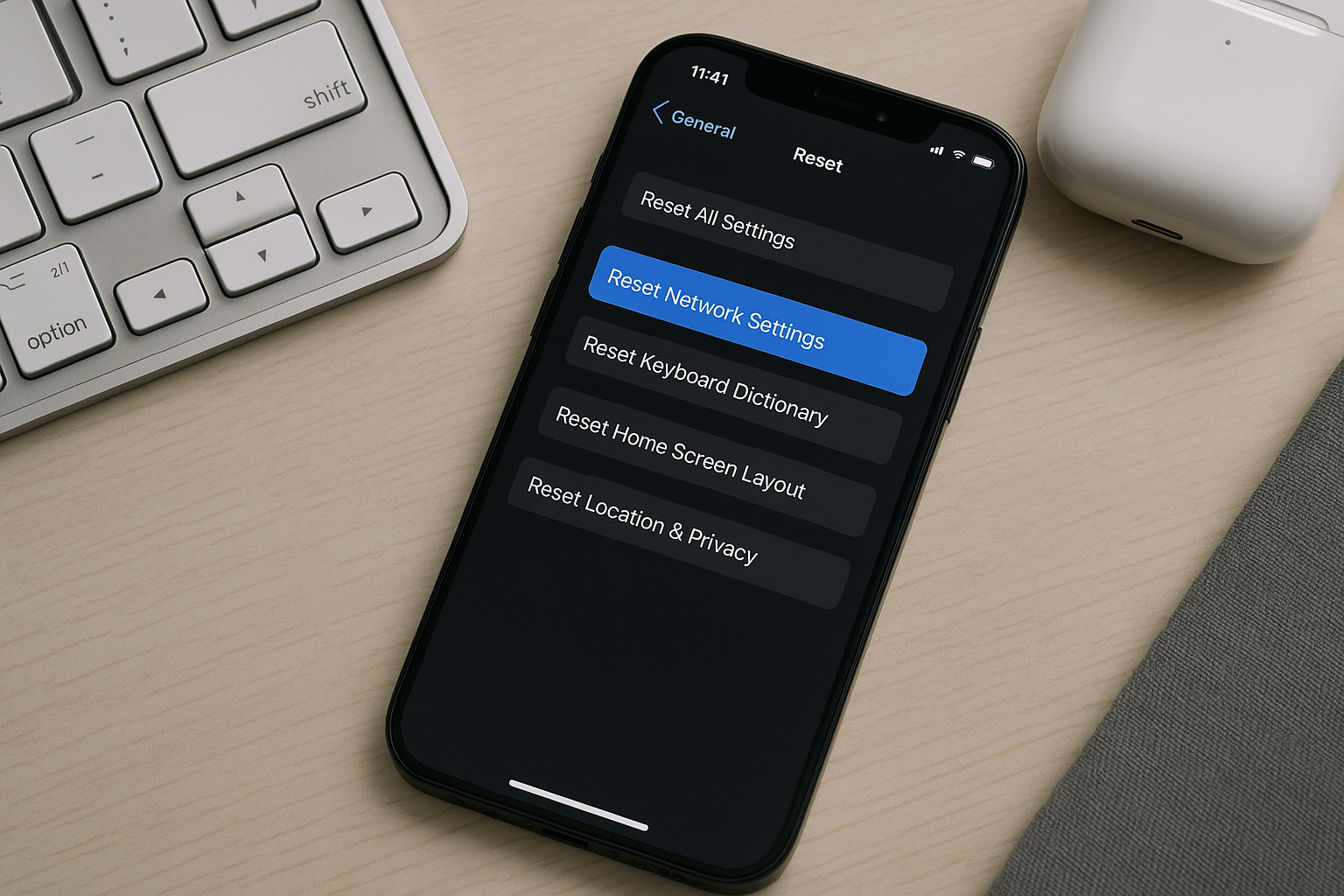
Why Does My iPhone Say SOS or SOS Only?

Why Does My iPhone Say SOS or SOS Only?

Quick Answer Your iPhone displays “SOS” or “SOS Only” when it has lost connection to your regular cellular network but can still access emergency services through other available carrier networks. This typically happens when you’re in an area with poor coverage from your carrier, when there’s a network outage, when your account has billing issues, … Read more

How to Find Your iPhone IMEI Number

How to Find Your iPhone IMEI Number

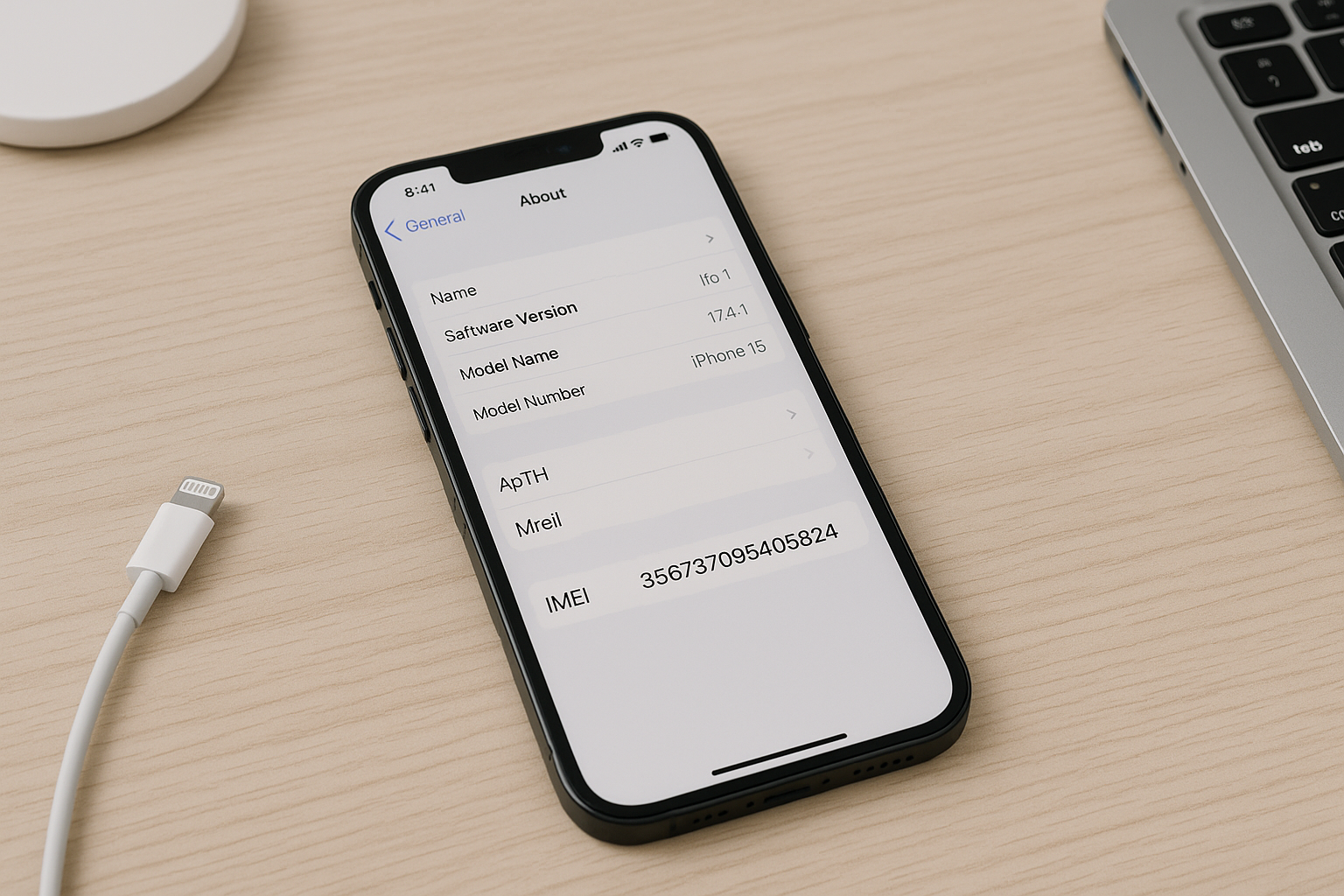
Quick Answer You can find your iPhone’s IMEI number fast in several ways: open Settings and go to General > About, dial *#06# in the Phone app, check the SIM tray or (on certain older models) the back of the device, or read the barcode label on the original box. You can also view it … Read more

iPhone Screen Not Responding to Touch? Try These Fixes

iPhone Screen Not Responding to Touch? Try These Fixes

Quick Answer If your iPhone screen isn’t responding to touch, start with the basics: remove the case and screen protector, clean and dry the display and your hands, and force restart the phone. If it still won’t respond, unplug all chargers and accessories, look for damage or moisture, update iOS via a computer in Recovery … Read more

iPhone Mobile Data Not Working? Common Fixes

iPhone Mobile Data Not Working? Common Fixes

Quick Answer If mobile data isn’t working on your iPhone, start by toggling Airplane Mode off and on, restarting the phone, and confirming Cellular/Mobile Data is enabled for the correct line. Make sure you have coverage and an active data plan. Then update carrier settings and iOS, reseat or re-add your SIM/eSIM, and reset network … Read more

iPhone Bluetooth Not Connecting? Here’s How to Fix It

iPhone Bluetooth Not Connecting? Here's How to Fix It

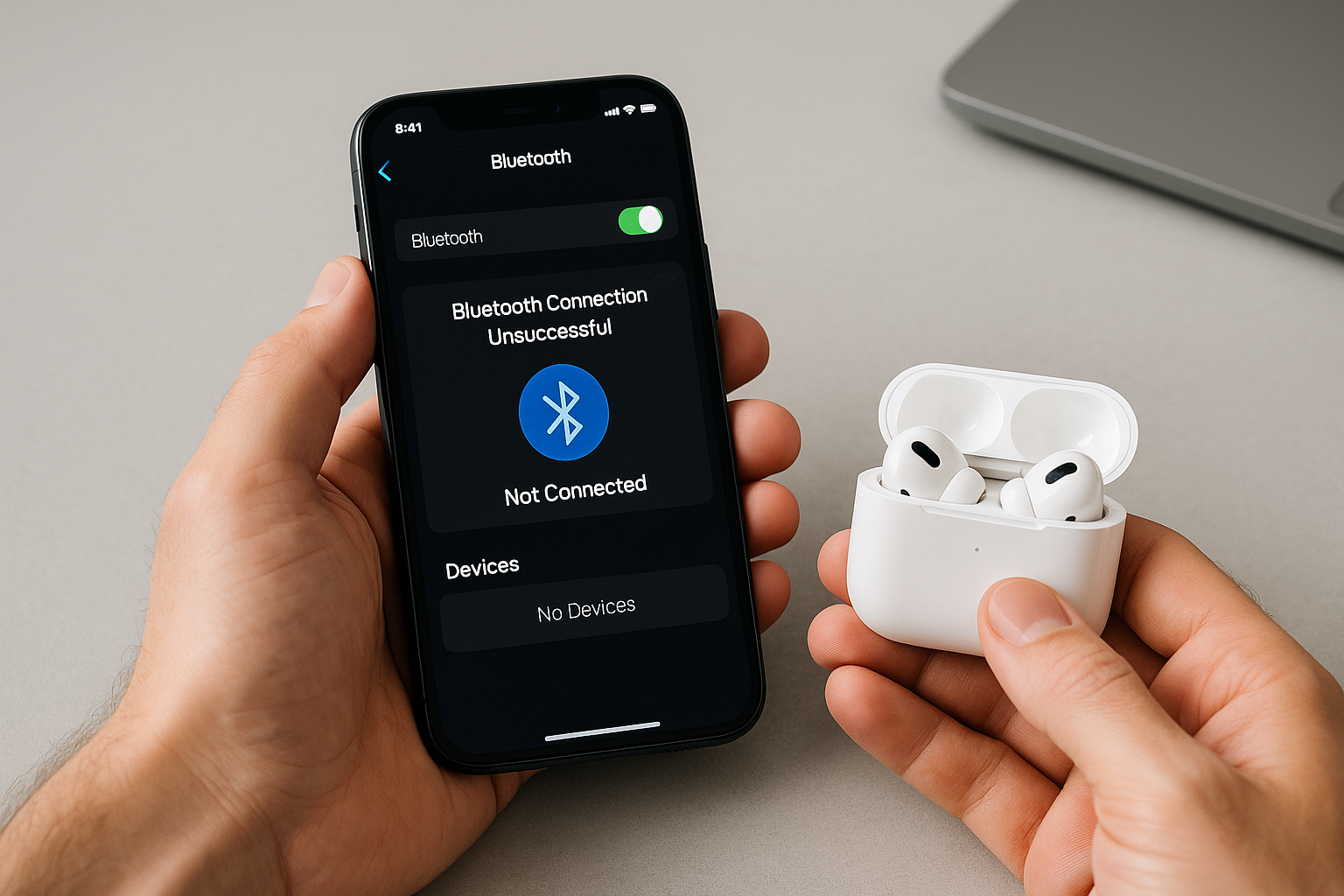
Quick Answer If your iPhone won’t connect to Bluetooth, start by toggling Bluetooth off and on, then restart both your iPhone and the accessory. Forget the accessory in Settings > Bluetooth, put the accessory in pairing mode or reset it, and pair again. Update iOS and the accessory’s firmware, check app Bluetooth permissions, and, for … Read more

iPhone Wi-Fi Not Working? 12 Fixes to Try

iPhone Wi-Fi Not Working? 12 Fixes to Try

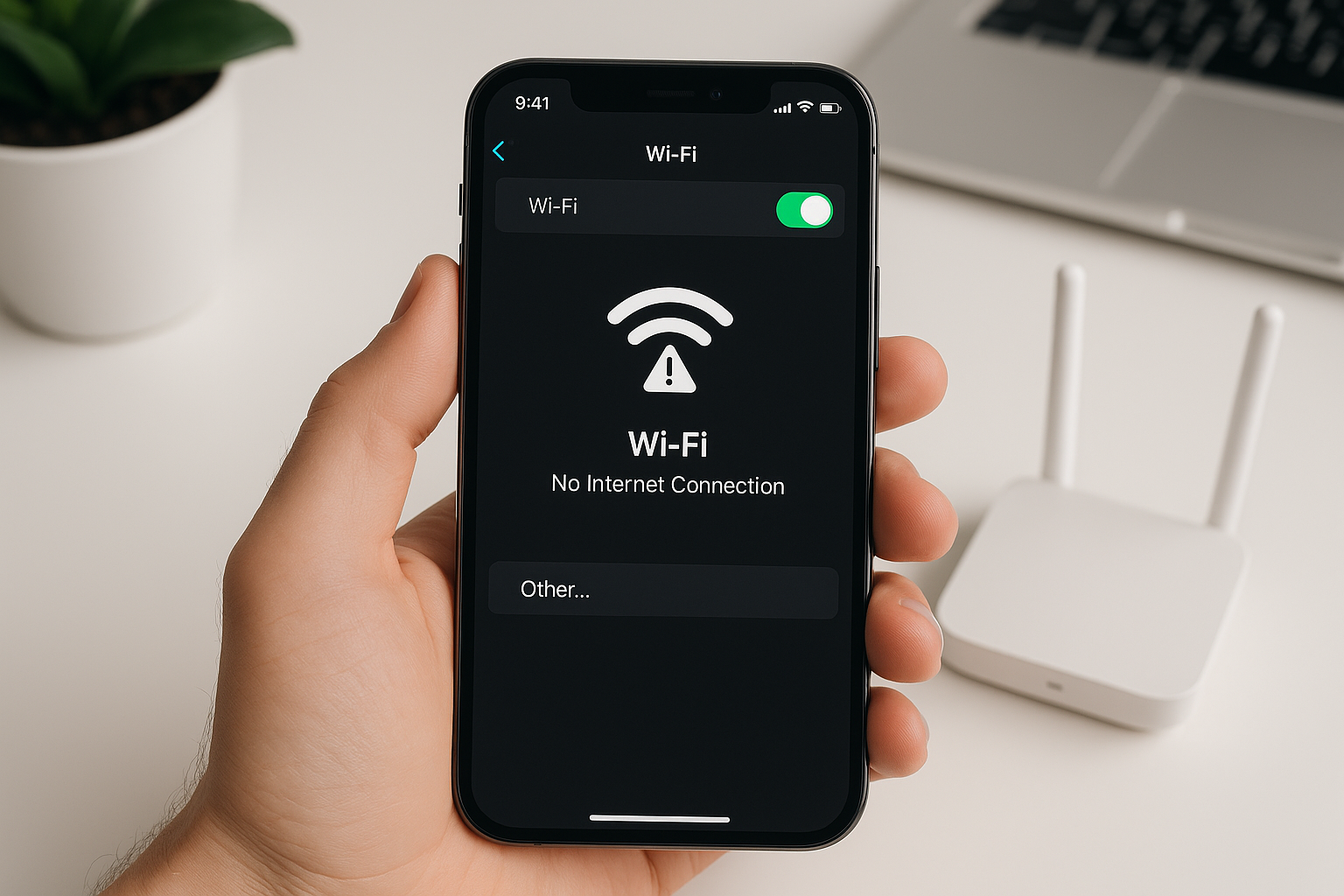
Quick Answer If Wi‑Fi isn’t working on your iPhone, start with quick toggles: turn Airplane Mode on and off, then toggle Wi‑Fi off and back on. Restart your iPhone and your router, forget and rejoin the network, and check for a captive portal sign‑in. If problems persist, update iOS, disable VPN or Low Power/Data modes, … Read more

How to Recover Deleted Messages on iPhone

How to Recover Deleted Messages on iPhone

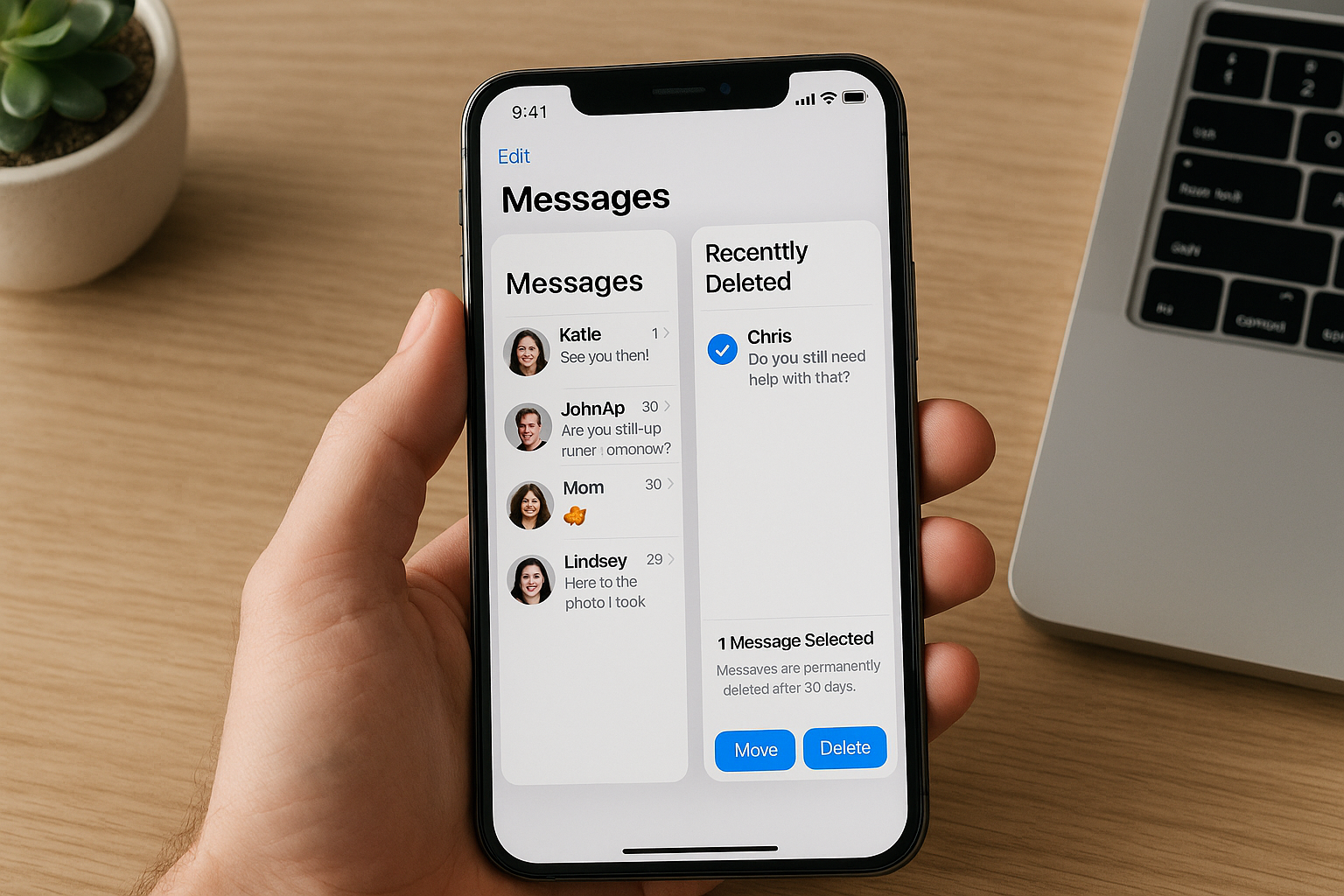
Quick Answer On iPhone, the quickest way to recover deleted messages is the Recently Deleted folder in Messages (available on iOS 16 and later) for about 30 days. If the messages aren’t there, restore from an iCloud or computer (Finder/iTunes) backup created before you deleted them. Note that a full restore replaces current data with … Read more