Why Is My Android Alarm Not Going Off?
Why Is My Android Alarm Not Going Off?

Quick Answer Your Android alarm may not be going off due to incorrect volume settings, Do Not Disturb mode being enabled, battery optimization settings silencing the alarm app, or the Clock app experiencing glitches. Software bugs, outdated operating systems, or conflicting third-party apps can also prevent alarms from functioning properly. Most issues can be resolved … Read more
Why Is My Android Phone Stuck in Headphone Mode?

Why Is My Android Phone Stuck in Headphone Mode?

Quick Answer Your Android phone is stuck in headphone mode because it incorrectly detects headphones are still connected, even when they’re not. This typically happens due to debris or moisture in the headphone jack, a software glitch, a stuck headphone detection switch, or Bluetooth connection issues. The fix usually involves cleaning the jack, restarting your … Read more

Android Speaker Not Working but Headphones Do?

Android Speaker Not Working but Headphones Do?

Quick Answer When your Android speaker doesn’t work but headphones do, the issue typically stems from a software glitch, hardware damage to the speaker itself, or the phone being stuck in headphone mode. The problem usually originates from debris in the headphone jack, faulty audio settings, a malfunctioning speaker component, or system bugs that prevent … Read more

Why Is My Android Microphone Not Working During Calls?

Why Is My Android Microphone Not Working During Calls?

Quick Answer Your Android microphone may not work during calls due to software glitches, blocked microphone openings, faulty apps interfering with audio permissions, outdated system software, or hardware damage. Most issues stem from simple causes like protective cases covering the microphone or apps conflicting with phone permissions. Start by checking physical obstructions, restarting your device, … Read more

Android Auto Rotate Is Upside Down or Not Working Properly

Android Auto Rotate Is Upside Down or Not Working Properly

Quick Answer When Android auto-rotate flips upside down or stops working properly, the issue typically stems from calibration problems, sensor misconfiguration, or software glitches. You can usually fix this by recalibrating the accelerometer through your device settings or safe mode, clearing the system cache, or adjusting the display orientation settings. Most cases resolve with simple … Read more

Why Does My Android Screen Keep Dimming With Auto Brightness Off?

Why Does My Android Screen Keep Dimming With Auto Brightness Off?

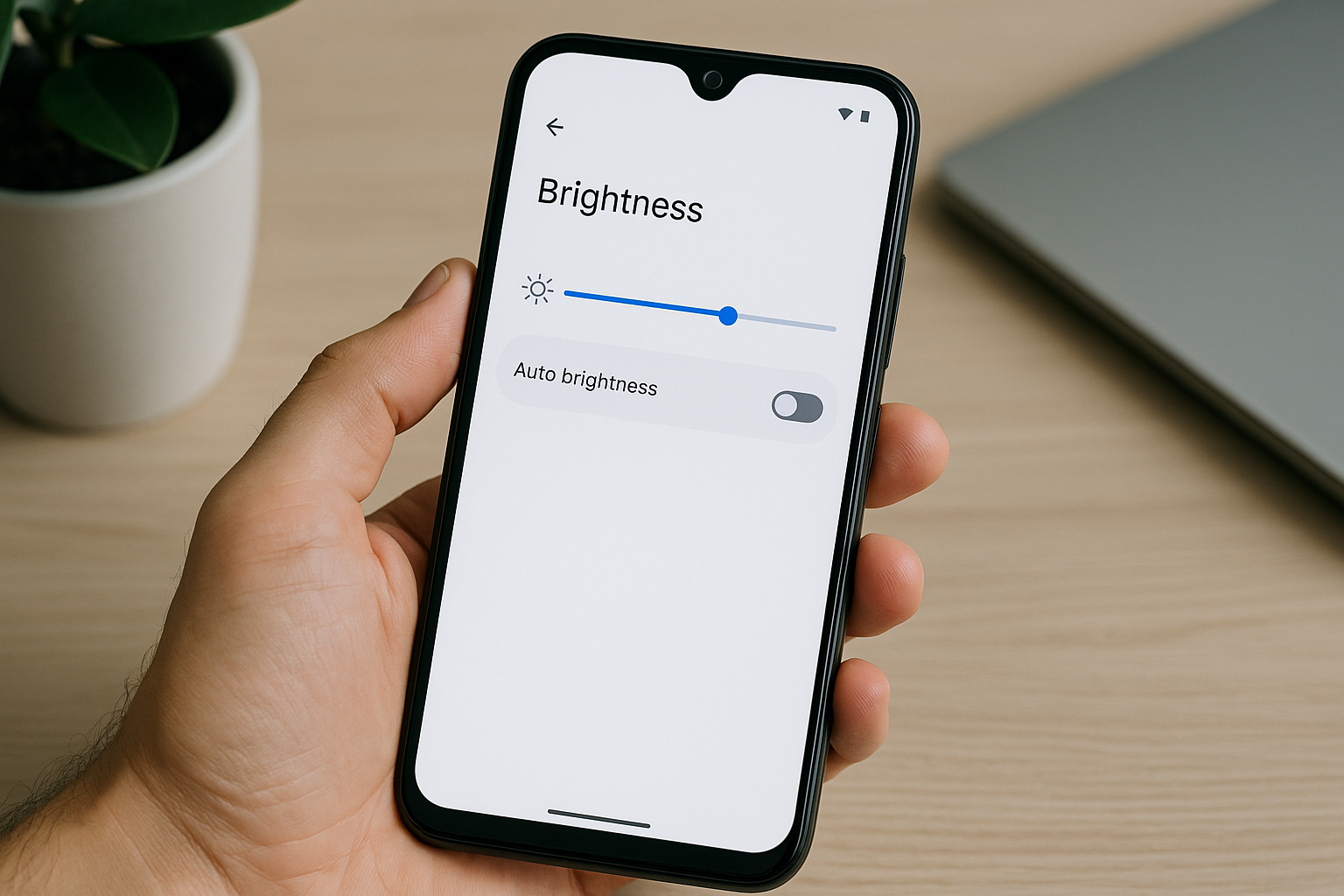
Quick Answer Your Android screen keeps dimming even with auto brightness off because of adaptive brightness learning your usage patterns, battery saver mode automatically reducing brightness, overheating protection kicking in, or third-party apps controlling display settings. Additionally, some manufacturers include separate brightness management features beyond the standard auto brightness toggle that continue adjusting your screen … Read more

Why Does My Android Screen Keep Turning On by Itself?

Why Does My Android Screen Keep Turning On by Itself?

Quick Answer Your Android screen keeps turning on by itself primarily due to notifications, accidental touches from the pocket or screen sensitivity settings, scheduled app updates, smart features like ambient display or lift-to-wake, or faulty hardware components. The issue typically stems from software settings that can be adjusted in your phone’s display and notification menus, … Read more

Why Are My Android Notifications Delayed?

Why Are My Android Notifications Delayed?

Quick Answer Android notifications get delayed primarily due to battery optimization features that put apps into a deep sleep mode, background data restrictions, poor network connectivity, or adaptive battery settings that limit background activity. Manufacturers like Samsung, Xiaomi, and OnePlus add aggressive power-saving features that can severely restrict notification delivery. Fixing delayed notifications typically requires … Read more

Why Am I Not Getting Notifications on Android?

Why Am I Not Getting Notifications on Android?

Quick Answer If you’re not receiving notifications on your Android device, the most common causes are disabled notification settings for specific apps, battery optimization features blocking background activity, or Do Not Disturb mode being enabled. Additionally, poor network connectivity, outdated software, or corrupted app cache can prevent notifications from coming through. Most notification issues can … Read more

Android Phone Not Making Calls but Can Text? What to Check

Android Phone Not Making Calls but Can Text? What to Check

Quick Answer When your Android phone can send texts but won’t make calls, the problem typically stems from network settings, carrier issues, or specific call-related configurations rather than a complete connectivity failure. Start by checking airplane mode, call barring settings, and VoLTE/Wi-Fi calling options. If basic toggles don’t work, resetting network settings or updating your … Read more