How to Turn Off Safe Mode on Android

How to Turn Off Safe Mode on Android

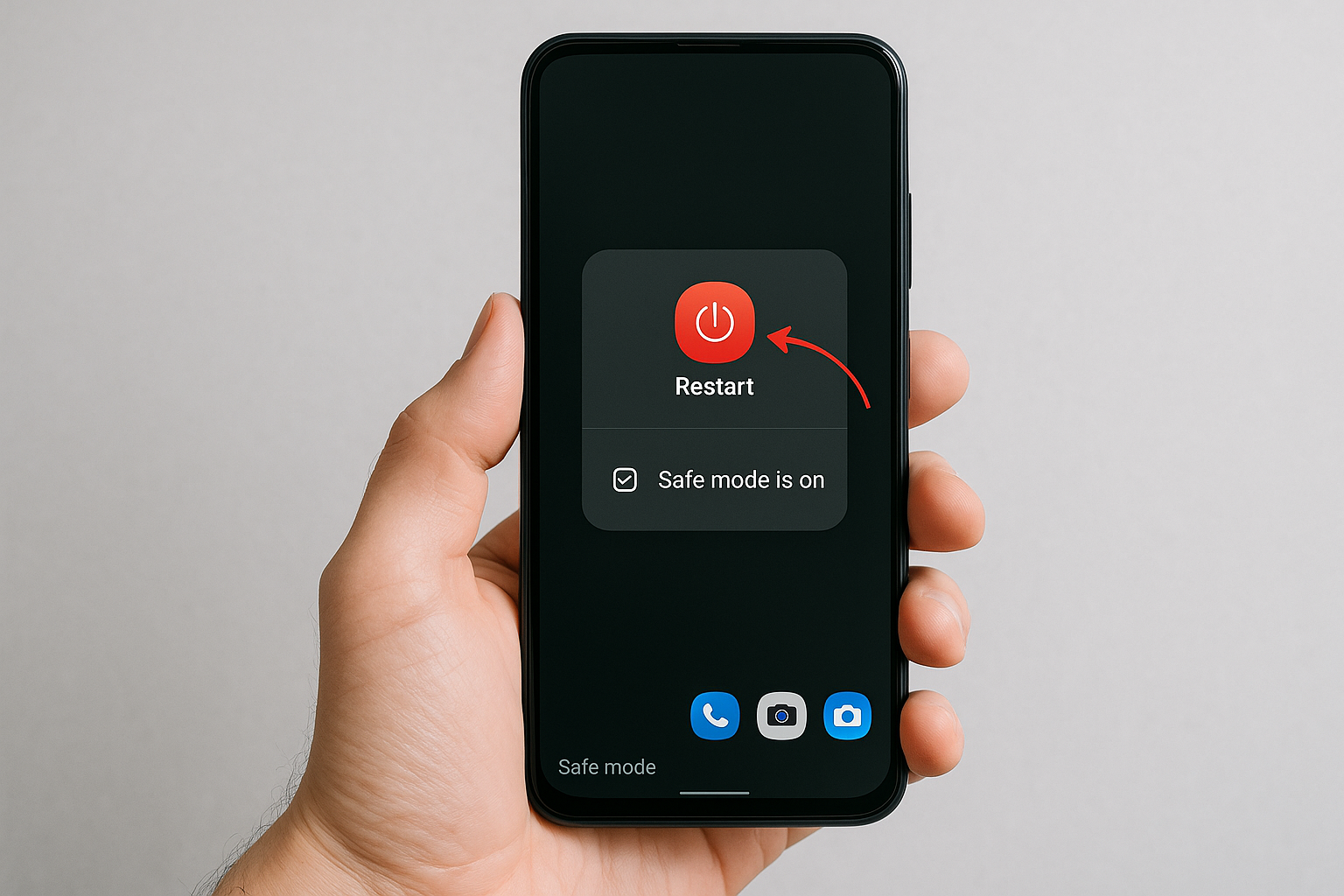
Quick Answer To turn off Safe Mode on Android, restart your phone. If you see a “Safe mode is on” notification, tap it and confirm to restart without Safe Mode. If the screen is frozen or the power menu won’t appear, force restart by holding the power and volume buttons (see brand shortcuts below). If … Read more

Android App Not Responding? 10 Ways to Fix It

Android App Not Responding? 10 Ways to Fix It

Quick Answer If an Android app isn’t responding, start by force-stopping it and reopening. Next, update the app (and Android System WebView/Chrome), clear its cache, and restart your phone. If it still freezes, free up storage, check network and battery optimization settings, then clear data or reinstall. Persistent issues often point to conflicts with another … Read more

Why Are Android Apps Crashing? Common Causes and Fixes

Why Are Android Apps Crashing? Common Causes and Fixes

Quick Answer Android apps usually crash because of software bugs, outdated components (the app, Android System WebView, Google Play services, or the OS), low memory or storage, corrupted app data, or aggressive battery/background limits. Quick fixes include updating the app and WebView/Chrome, clearing cache or storage, freeing space, disabling battery optimizations for the affected app, … Read more

How to Recover Deleted Photos on Android

How to Recover Deleted Photos on Android

Quick Answer First, check built-in Trash/Recycle Bin folders. Google Photos keeps deleted items for up to 60 days; most OEM gallery apps (Samsung, Xiaomi/MIUI, OnePlus, OPPO/realme) keep them for about 30 days. If you use cloud backups (Google Photos, OneDrive, Dropbox, Amazon Photos), your pictures may still be in the cloud or in their trash. … Read more

How to Find Recently Deleted Files on Android

How to Find Recently Deleted Files on Android

Quick Answer Start by checking each app’s Trash, Bin, or Recently Deleted folder: Google Photos (Bin, 60 days), Files by Google (Trash, about 30 days), and your phone’s gallery or file manager (e.g., Samsung Gallery/My Files Recycle Bin, 30 days). Also look in cloud services (Google Drive, OneDrive, Dropbox) and app-specific bins or backups (e.g., … Read more

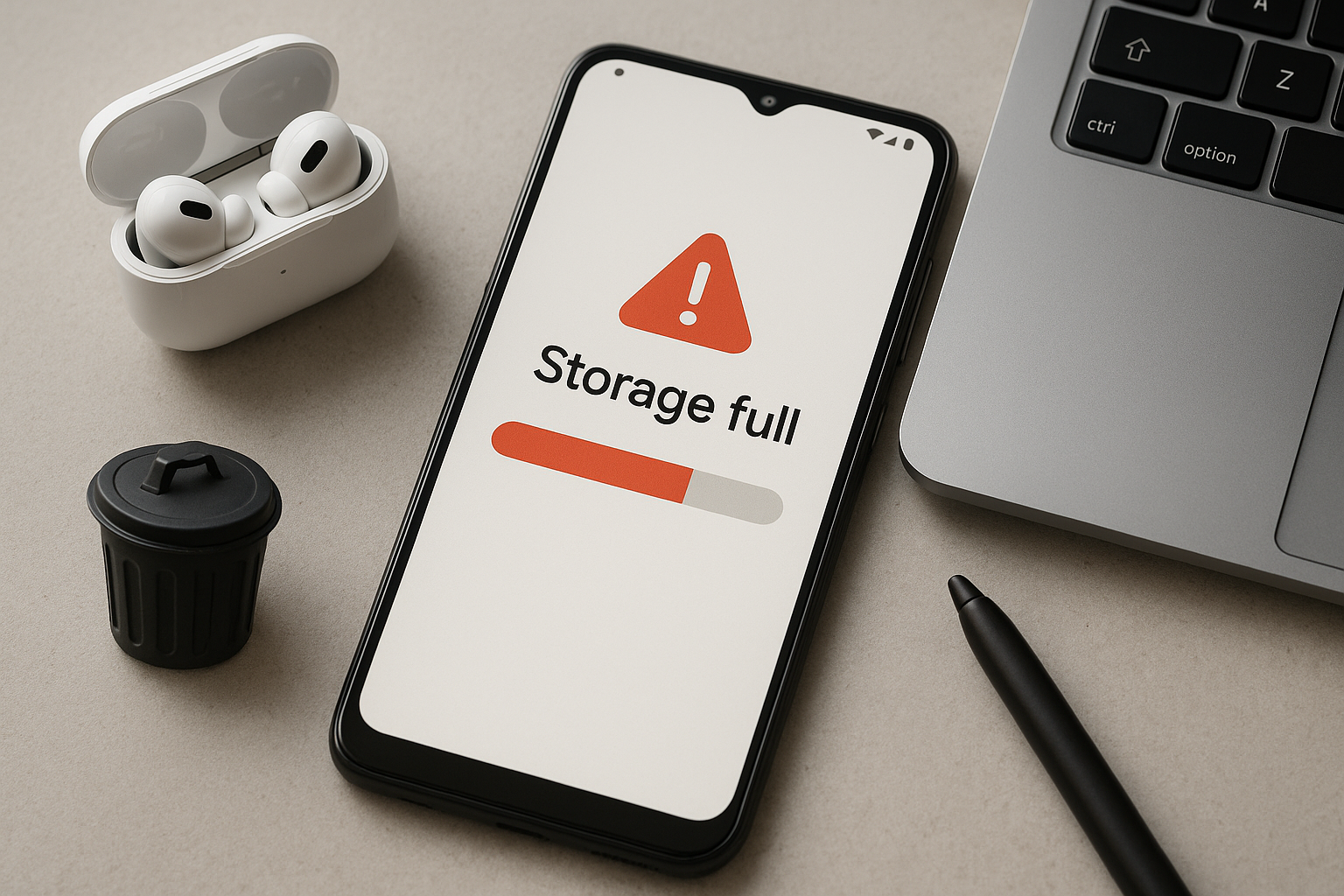
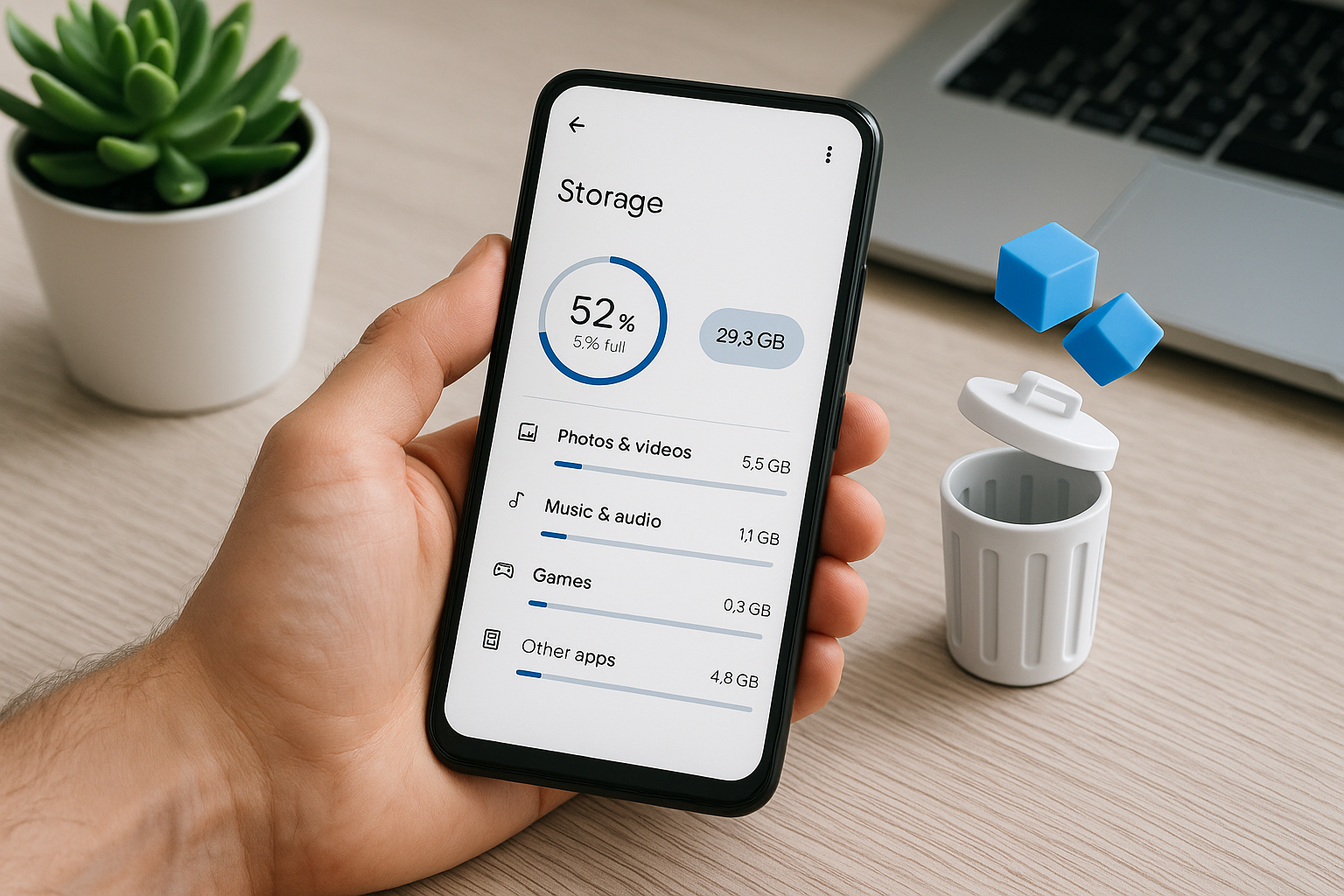
How to Free Up Storage Space on an Android Phone

How to Free Up Storage Space on an Android Phone

Quick Answer Start in Settings > Storage to see what’s using space, then use the Files by Google app to safely delete large files, duplicates, and junk. Back up photos and videos to Google Photos and tap Free up space, trim chat app media (WhatsApp/Telegram), uninstall big apps you rarely use, clear app caches, and … Read more